
No internet? What works (and what doesn’t) in the Ecomiles app offline
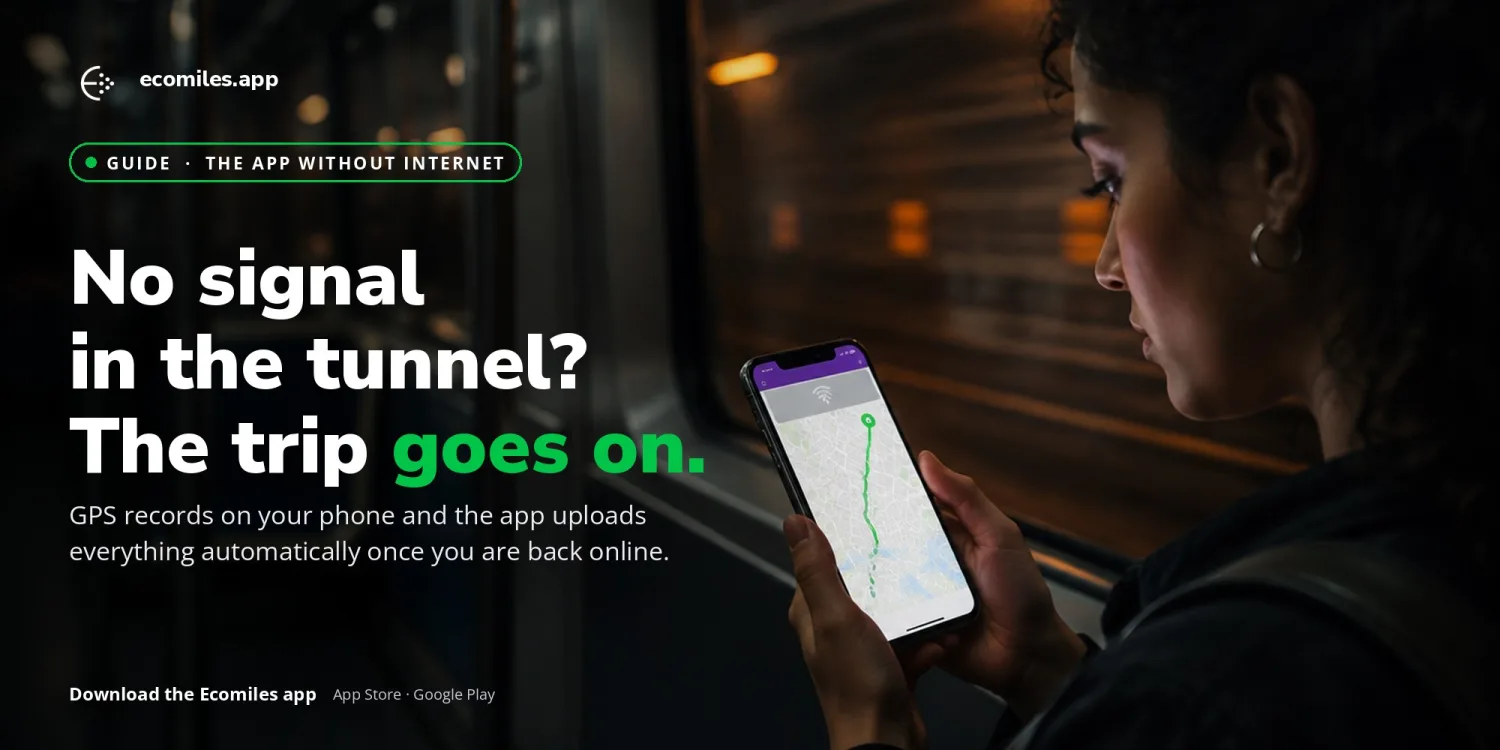
A tunnel, the subway, a road with no coverage, a data plan that ran out. Sooner or later you will open the Ecomiles app and see “No internet connection” at the top of the screen. The good news: the part that matters most — recording your trip — does not depend on the internet. This guide explains exactly what keeps working offline, what needs a connection, and what to do so you never lose a single ecomile.
What works without internet
Recording a trip (manual or automatic capture). Your commute is recorded by the phone’s GPS, not by the network. Location points are stored in a local queue on the device itself, including in the background. If you started a trip and the signal dropped halfway, the app keeps recording until you finish.
Keeping pending trips safe. A trip completed offline is saved on the device as “pending” until it can be uploaded. It survives closing the app and even logging out: pending trips are preserved locally.
Uploading everything automatically once you are back online. As soon as the phone reconnects, the app sends the trip queue to our servers. Each trip carries a unique sync identifier generated on the device, so the same trip is never counted twice, even if the upload has to be retried.
Opening the app and seeing your basic data. Your name, profile and cards are shown from a local copy (the last known version), so the app does not go blank while you are offline.
What needs internet
Updated balance and statement. The balance shown offline is the last one the app knew. Credit for new trips only appears after they are uploaded and validated.
Validation and crediting of ecomiles. Emília’s anti-fraud analysis runs on our servers after the upload. That is why a trip recorded offline first shows as pending and only becomes balance after sync. See how it works in Anti-fraud reliability.
Redemptions and card. Redeeming rewards, converting balance and any card operation require a connection.
Challenges, leaderboard, notifications and support chat. These load from the server in real time.
Login, sign-up, identity verification and vehicle registration. These involve server-side validation and, for biometrics, an external service.
Without internet, some lists on the home screen may appear empty or show an “Error” message. This does not affect recorded trips: once you reconnect, just reopen the app or pull to refresh.
How do I know I am offline?
The app shows a “No internet connection” banner at the top of the home screen and tells you when a trip is waiting to be uploaded. If your trip is being recorded, you can keep going with peace of mind.
Four tips so you never lose an ecomile
- Keep location permission set to “Always” and turn off battery optimization for the app, so background recording is not interrupted by the system.
- After an offline trip, open the app as soon as you have internet (Wi-Fi counts). This speeds up the upload of pending trips.
- Do not uninstall the app while trips are pending. Local data is deleted with the app and cannot be recovered.
- If a trip stays pending for a long time even with internet, update the app to the latest version and contact us through the support chat.
Not using Ecomiles yet? Download the app on the App Store or Google Play and earn rewards for every low-carbon trip — with or without signal.
Want this at your company?
Decarbonization with auditable primary data and engagement employees actually enjoy.
Book a demo →